Football
The beautiful game
NECRO IPTV · UK & EUROPE
Necro IPTV brings together GBP subscription plans, device checks and setup help for UK viewers. Choose the simultaneous connections your household needs, then test compatibility with the available trial before a longer plan.

FIND YOUR NEXT FAVOURITE
Explore sports, entertainment and more. Channel availability depends on your plan and region.
Compare plans, check device compatibility and find setup guidance for UK households.
Use the troubleshooting checklist to check the account, player and home network.
Activation details are sent after your order is confirmed. Check your order status in the account area.
Check your exact device, operating system and compatible player before you subscribe.
Ask support to confirm the programmes and events you need, including availability and any additional conditions.
Programme-guide availability depends on the stream and compatible player.
Check whether catch-up is available for the programmes and plan you need before ordering.
Check programme availability, device support and your home network before subscribing.
Keep subscription credentials private and use a player from a verified publisher.
Check the exact device model, player and connection allowance before you order.

iPhone, iPad & Apple TV
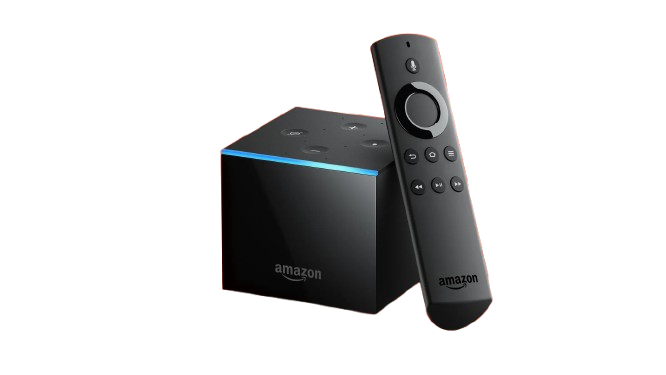
Fire TV Stick & 4K Max

Samsung, LG, Sony & more
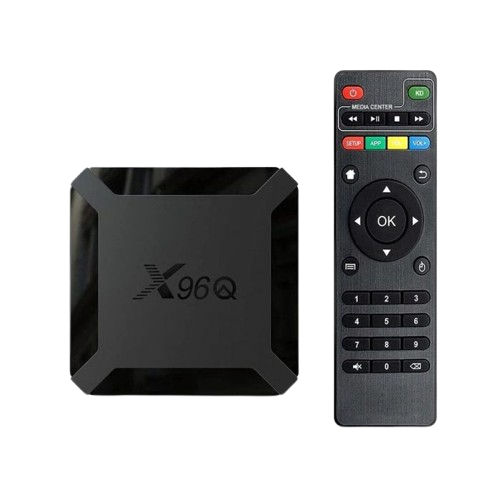
Check model and player
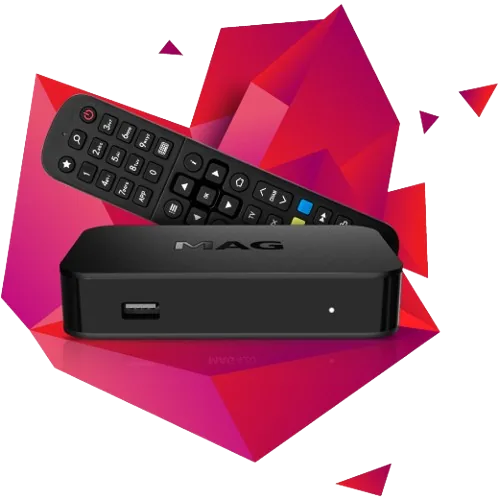
Confirm portal compatibility
Windows 10 & 11
macOS Monterey & above

WebOS, Tizen & Android TV
Compare the full term, connection allowance and total in GBP. Read the terms before ordering.
Need help choosing a plan or device? Read the Necro IPTV setup and billing FAQ.
Check your device and plan terms, then choose a trial or subscription that fits your household.
Start with the overview or jump directly to a device, app, offer or support topic.
Service overview, devices, plans and next steps.
UK broadband, device and connection guidance.
Choose a compatible player from a trusted source.
Install, sign in, load the EPG and optimise playback.
Device-specific installation and performance tips.
Fix login, buffering, blank channel and EPG issues.
Compare the full upfront total for one simultaneous connection. Choose two or three connections separately on the pricing page if your household needs more active streams.
| Plan term | Simultaneous viewing | GBP total for the term |
|---|---|---|
| 1 month | 1 active stream | £13 |
| 3 months | 1 active stream | £25 |
| 6 months | 1 active stream | £55 |
| 1 year | 1 active stream | £75 |
These are totals for the term, not monthly instalments. A separate player fee may apply. Confirm programme availability and read the terms and refund policy before paying.
Compare all plans and connection optionsNecro IPTV uses an internet connection and a compatible third-party player. The subscription and the player software are separate. Use these checks to choose your next step.
One connection supports one active stream. Select the number of simultaneous screens you need and confirm the allowance at checkout.
Check your exact model and available player with the device compatibility checklist. App support varies by operating system and region.
Check current trial availability on the plan page, then follow the trial checklist on your normal device and network.
All setup and billing questions · Ask a question before ordering
Before choosing a plan, check your home network and the viewing permissions that apply to the programmes you want. These independent resources can help:
A player installation does not establish content-distribution rights. Ask support to confirm the specific programmes and permissions you need before ordering.
Page content updated: . See the publisher details and editorial policy.